
Add a test device
Before your agent is verified, you will only be able to send messages to select test devices.
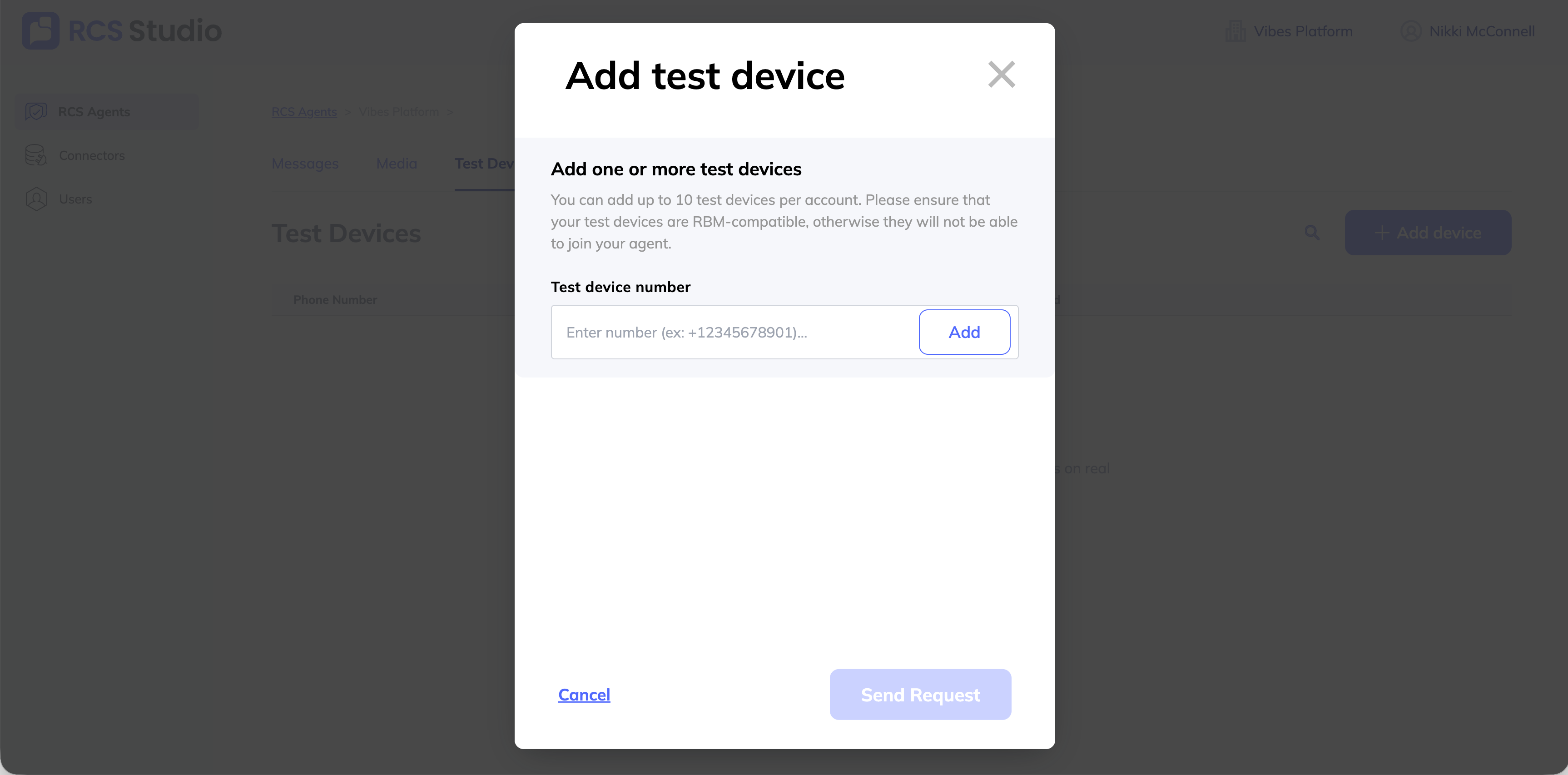
To add a test device to your agent:
- Navigate to the agent you'd like to add a test to.
- Select the Test devices tab. Select + Add device.
- Enter the phone number(s) of any devices you'd like to add to your agent, in E.164 format. Note that all test devices must be RCS enabled to receive RCS messages. Click Add after each number.
- Once you've added all the phone numbers, click Send Request.
- On each device, you will receive a message from an agent named RBM Tester Management. Select Make me a tester.
- That's it. Your device can now receive test messages from your agent.
Updated 11 months ago
Did this page help you?